


Install SPPAS, open the Dashboard, manage your files, annotate automatically, analyze results, and edit data in a complete graphical interface.

SPPAS offers open source cross-platform, customizable automatic annotation and analysis solutions for audio and video media.
Brigitte Bigi, a computer scientist at Laboratoire Parole et Langage (LPL), in Aix-en-Provence, France, is the author of SPPAS.
Install SPPAS with a simple Setup. No command line required.
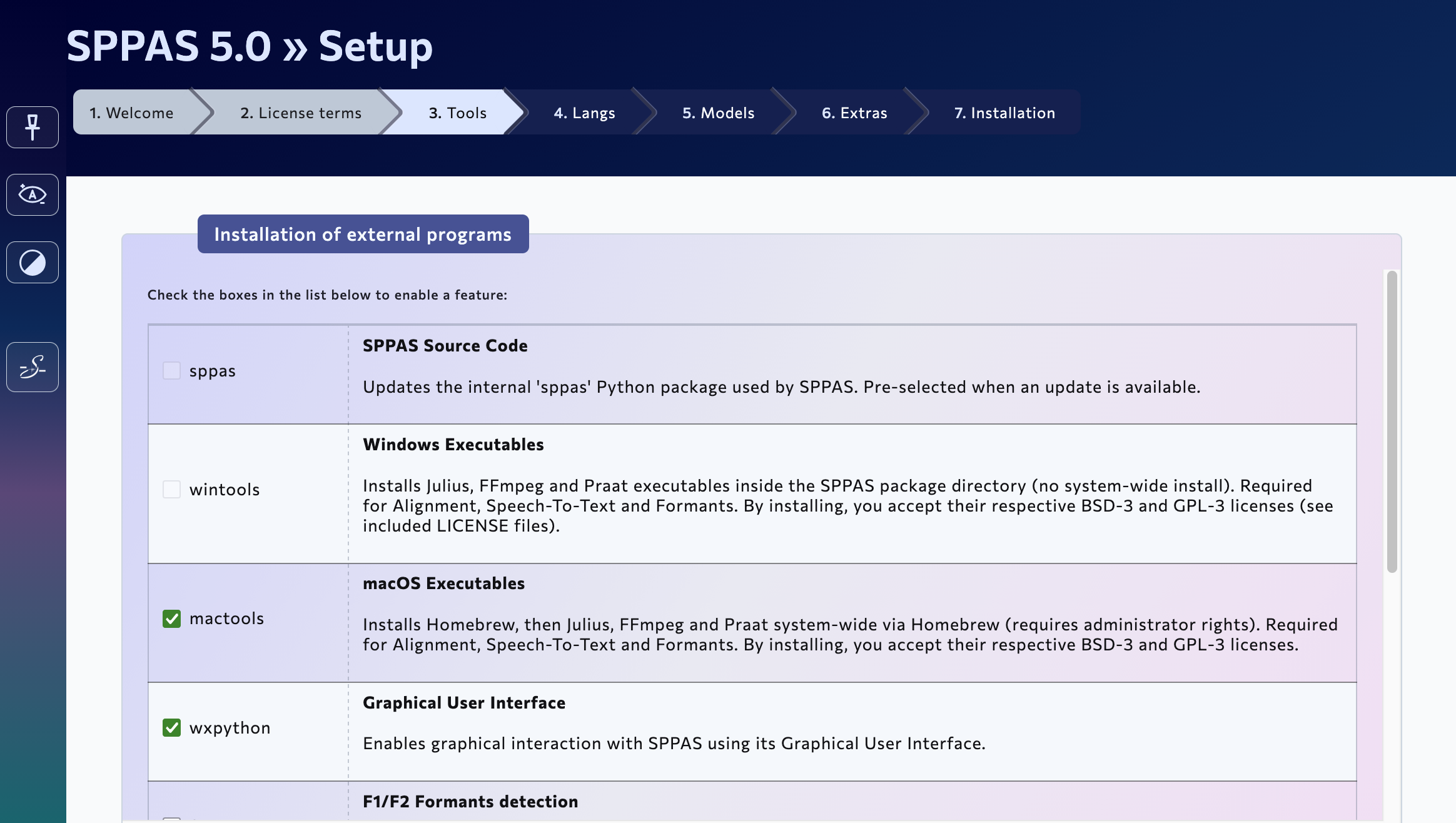
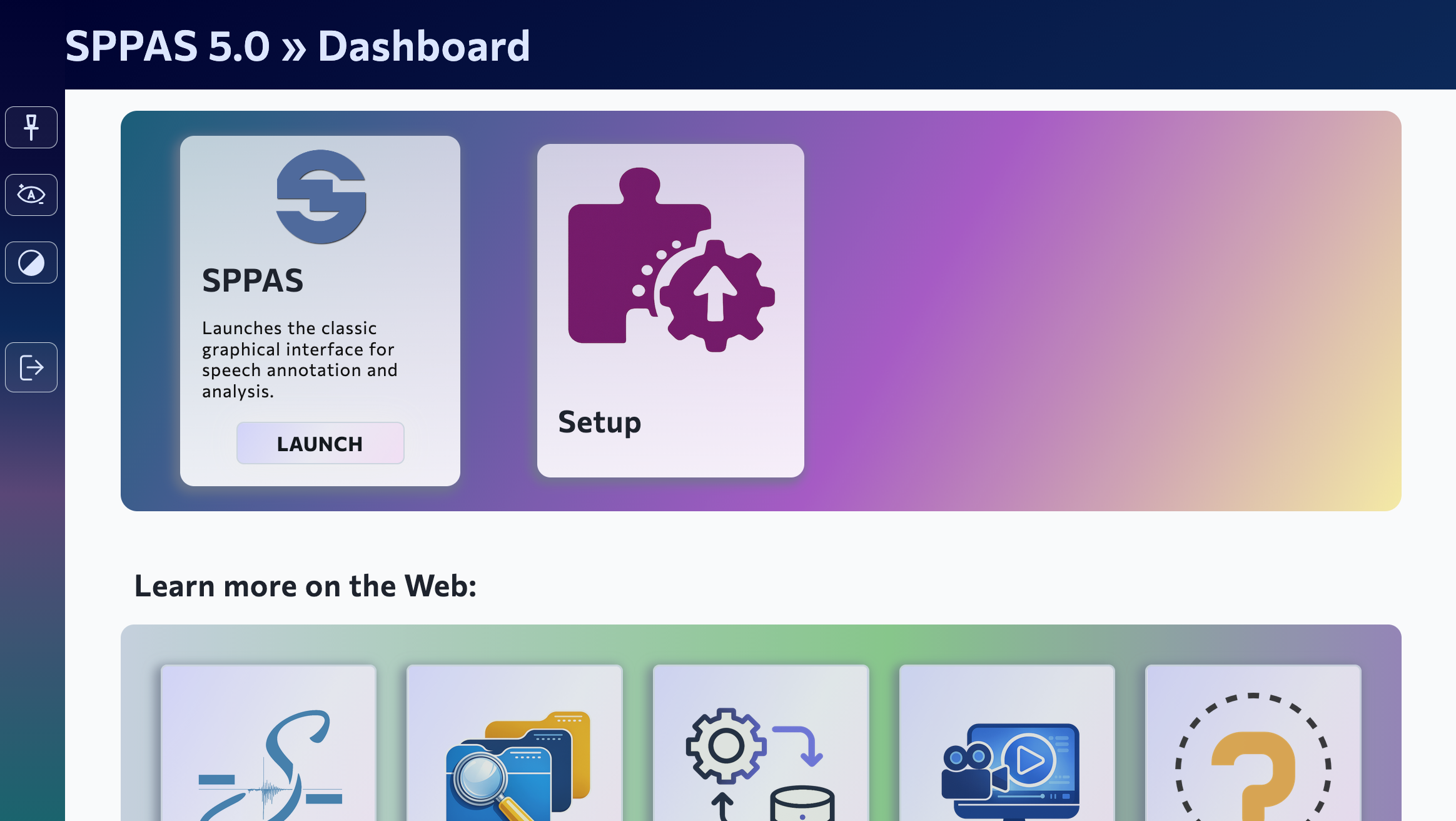
The Dashboard helps users understand where to start and gives access to the main parts of the application.
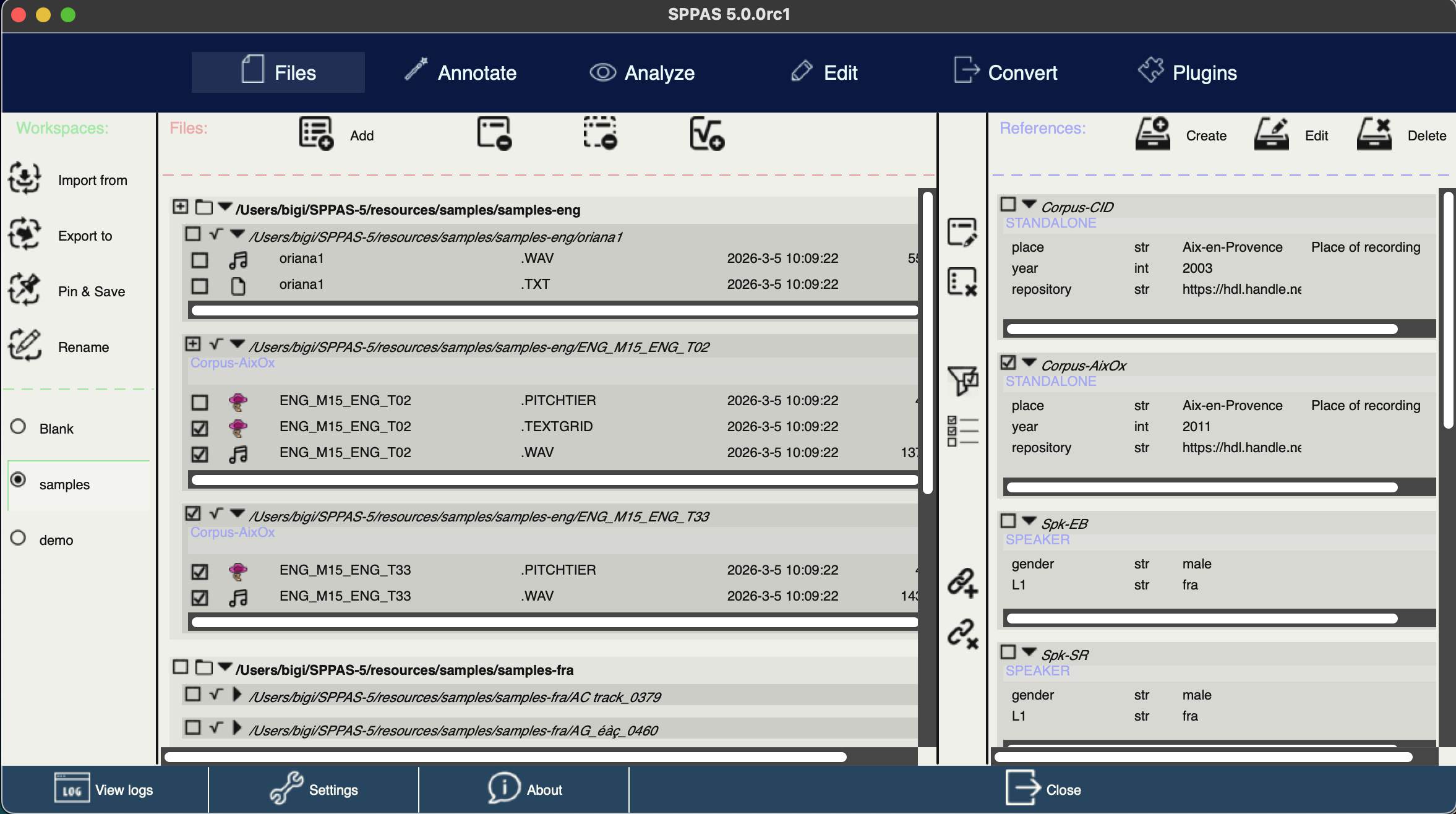
Keep input files, generated annotations, and related resources together in the same working environment.
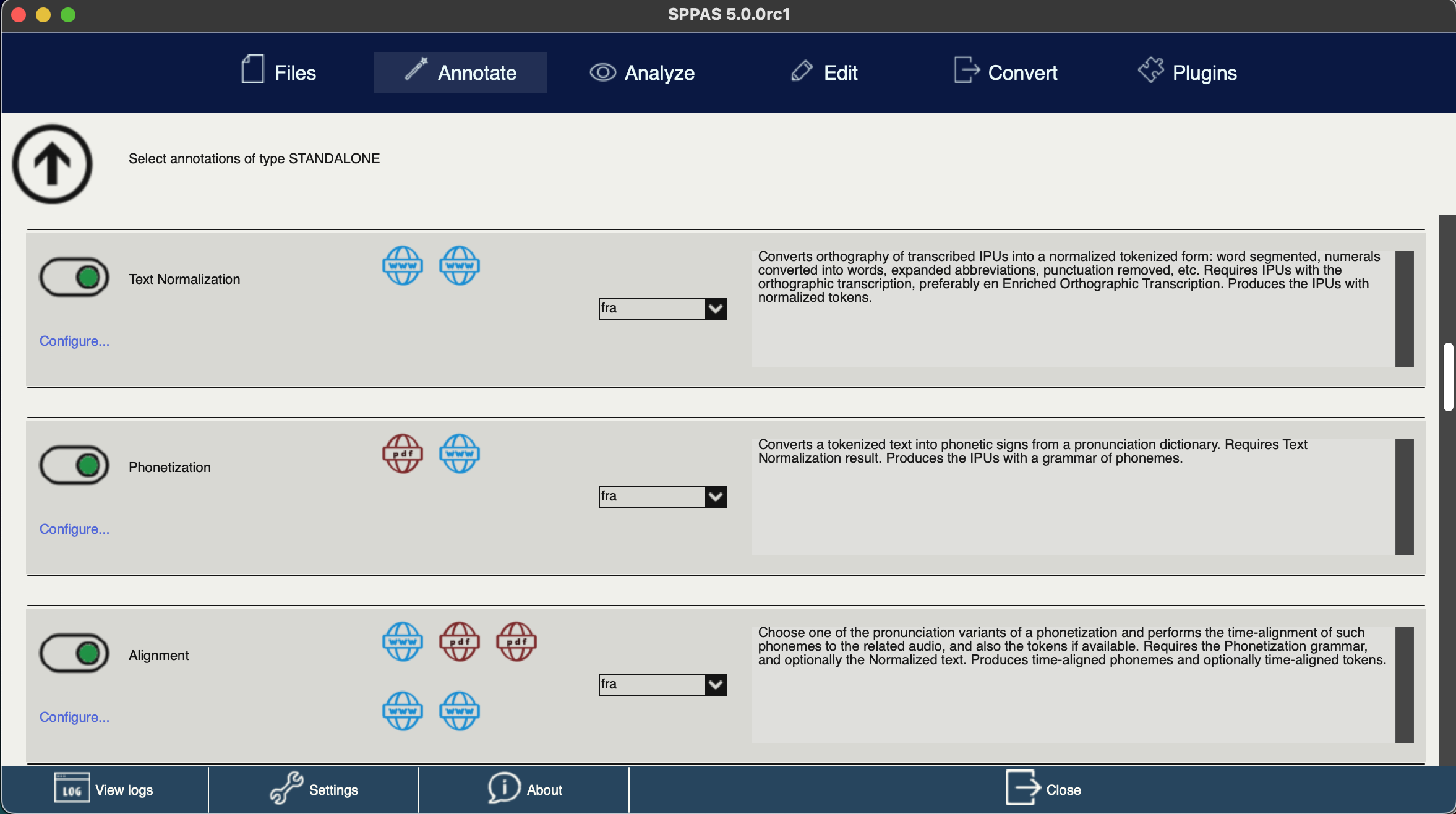
Run automatic annotations from the graphical interface, without relying on command-line tools.
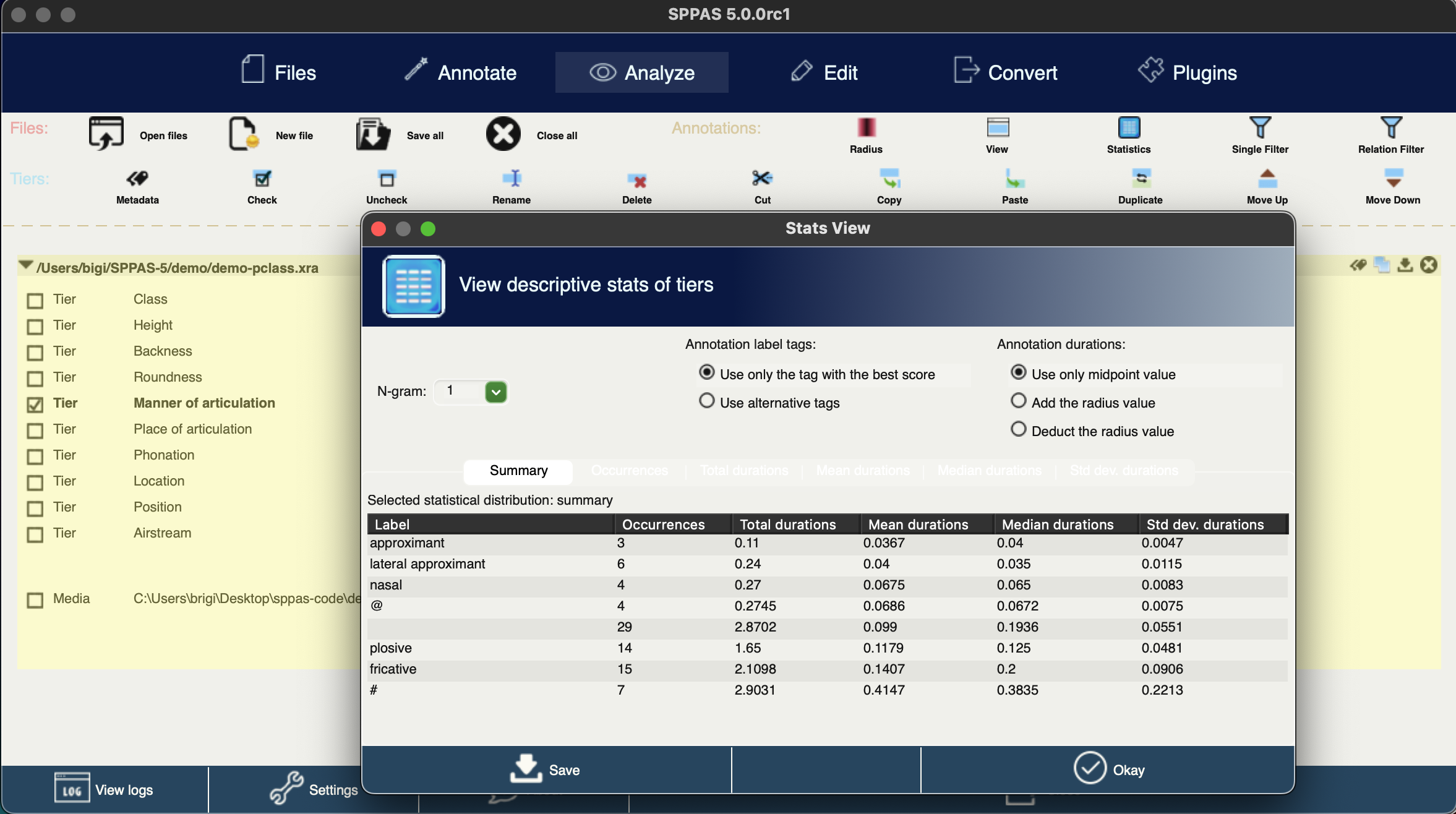
Explore the results of annotations with dedicated tools designed for speech data analysis.
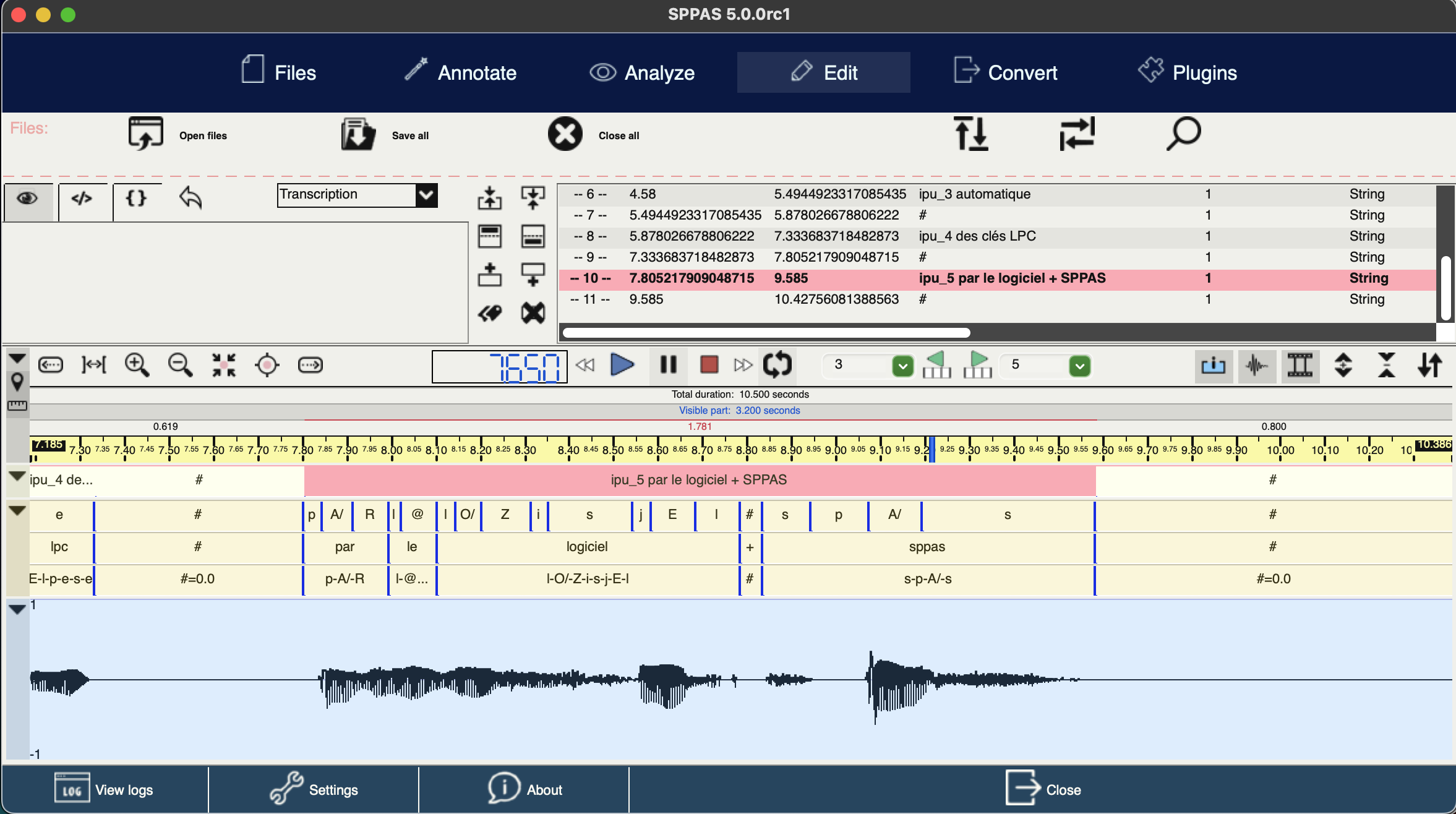
Inspect, correct, and refine annotation files with the editors included in SPPAS.
SPPAS 5.0 introduces a new Dashboard that progressively replaces parts of the previous wxPython interface with a modern web-based UI. Some features are now provided as standalone applications that can run either inside SPPAS or directly online.
The first SPPAS Web App is available below. Additional applications will be progressively added.

Generates the sequence of cues to code from a written text.
The application behaves as documented and tolerates unexpected user actions.
SPPAS runs on your computer. No data are uploaded or collected.
Continuous development, bug fixes, and support for new languages.
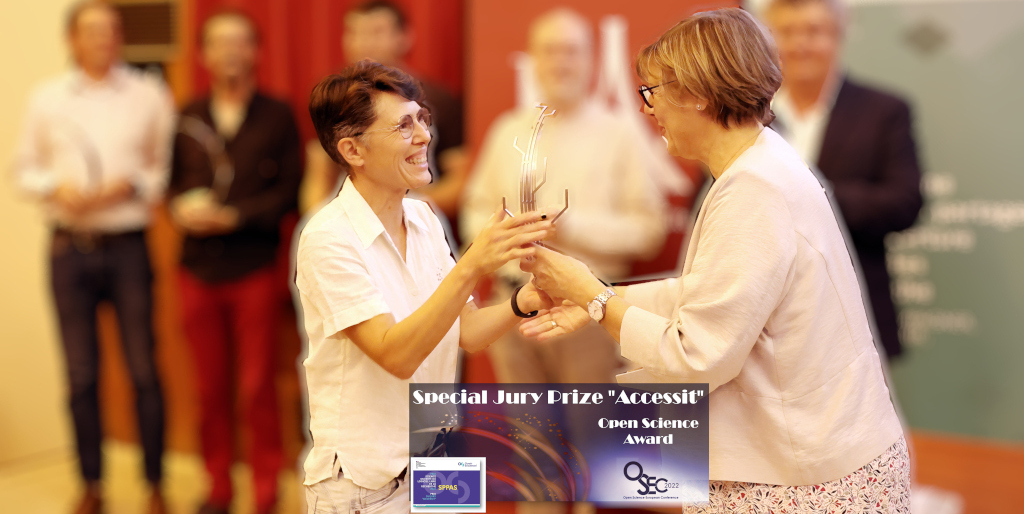
SPPAS was awarded by the French Ministry of Higher Education, Research and Innovation at the 2022 Open Source Research Software Competition.
French Open Science Award
Honourable Mention for the 2022 Special Jury Prize
SPPAS differs from other speech segmentation tools in several aspects. The comparison below summarizes the main differences. For a detailed comparison (in French) follows this link.
| Feature | SPPAS | Others (e.g. WebMAUS, MFA, torchaudio, ...) |
|---|---|---|
| Fully open source for both source code and all linguistic resources | ✔ | ✘ |
| Dedicated label for filled pauses (e.g., “fp” for “euh” in French) | ✔ | ✘ (mapped to nearest vowel) |
| Alignment of non-speech events like laughter | ✔ | ✘ |
| Manual control of each processing step | ✔ | △ |
| Peer-reviewed evaluation of all processing steps | ✔ | ✘ |
| Handles disfluencies (fragments, repetitions, unknown words) | ✔ | △ |
| Alignment of long segments beyond Inter-Pausal Units (IPUs) | ✘ | ✔ |
| Both multilingual (FR, EN, IT, ZH...) and extensible by users | ✔ | △ |
| Editable HMM-based acoustic models | ✔ | △ |
| Import/export with multiple formats (TextGrid, ELAN, HTK...) | ✔ | △ |
| Uses international phoneme standard (X-SAMPA) | ✔ | △ (tool-specific encodings) |
| Graphical user interface (GUI) | ✔ | ✘ |
| Command-line interface (CLI) | ✔ | △ |
| Python API/interface | ✔ | △ |
| Web-based interface | ✘ | △ |
Legend:
SPPAS is the perfect companion to Praat and ELAN. It automates time-consuming annotation tasks, while Praat and ELAN remain ideal for inspection, manual correction, and fine-grained manual analysis.
Since 2011
website
2023 - 2026
website
2025 - 2028
website2012-2019
ORTOLANG receives state aid under the « Investissements d’avenir » program (ANR–11–EQPX–0032)
Visit the website2013-2015
Multidimensional analyses and modeling (ANR-12-JCJC-JSH2-006-01)
Visit the website2014-2015
a Multilingual approach (Campus France - Procore PHC)
Visit the website2015-2016
In collaboration with PolyU (Campus France - Procore PHC)
PolyU website2017-2021
a corpus-based study of the nature and functions of Naija in Nigeria (ANR-16-CE27-0007)
Visit the website2018-2022
the training of language trainers in online environments using videoconferencing (ANR-18-CE28-0011)
The ANR website